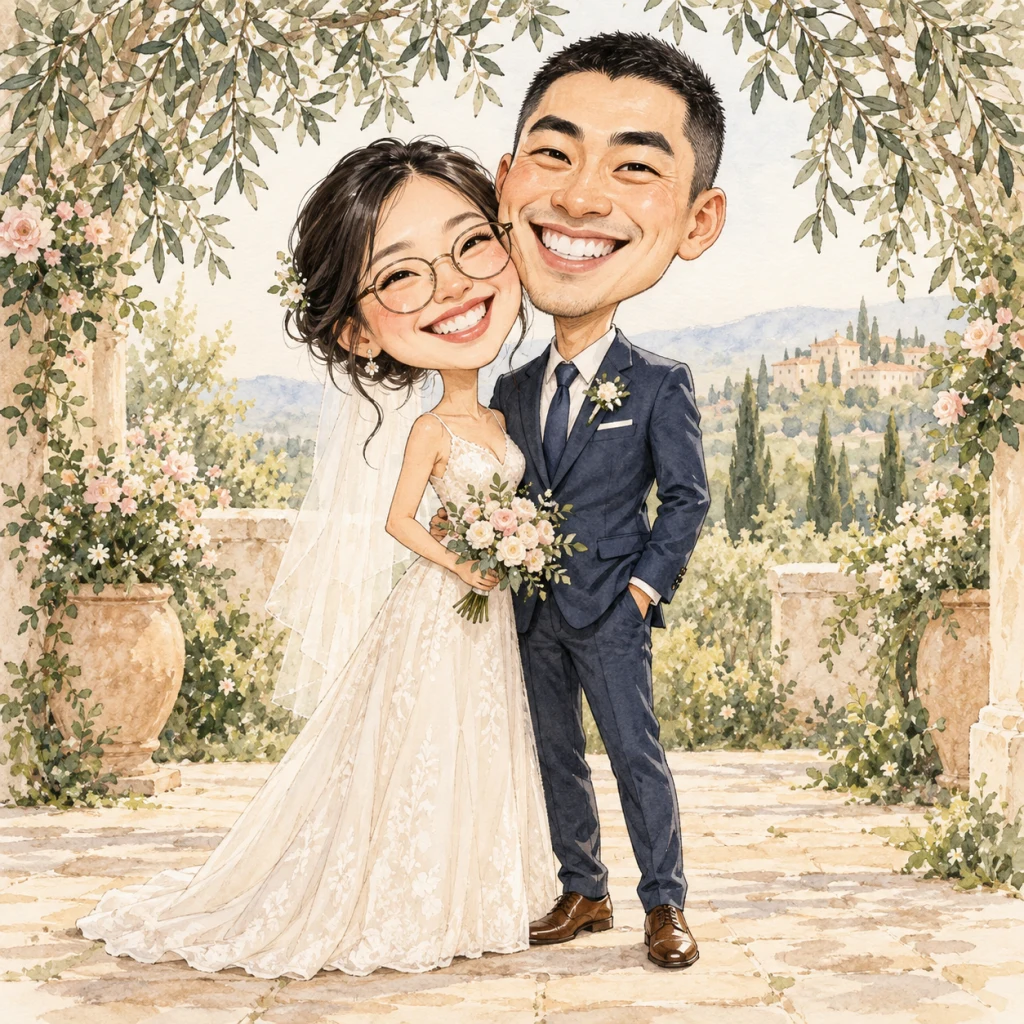
The just-married portrait
A close-together pose for a couple keepsake or invitation illustration. Start with Wedding Day.
Turn a photo of you together into a wedding caricature with AI. A romantic portrait or a joyful dance dip—for your invitations, keepsakes, and all the little ways you celebrate.
Create our wedding caricature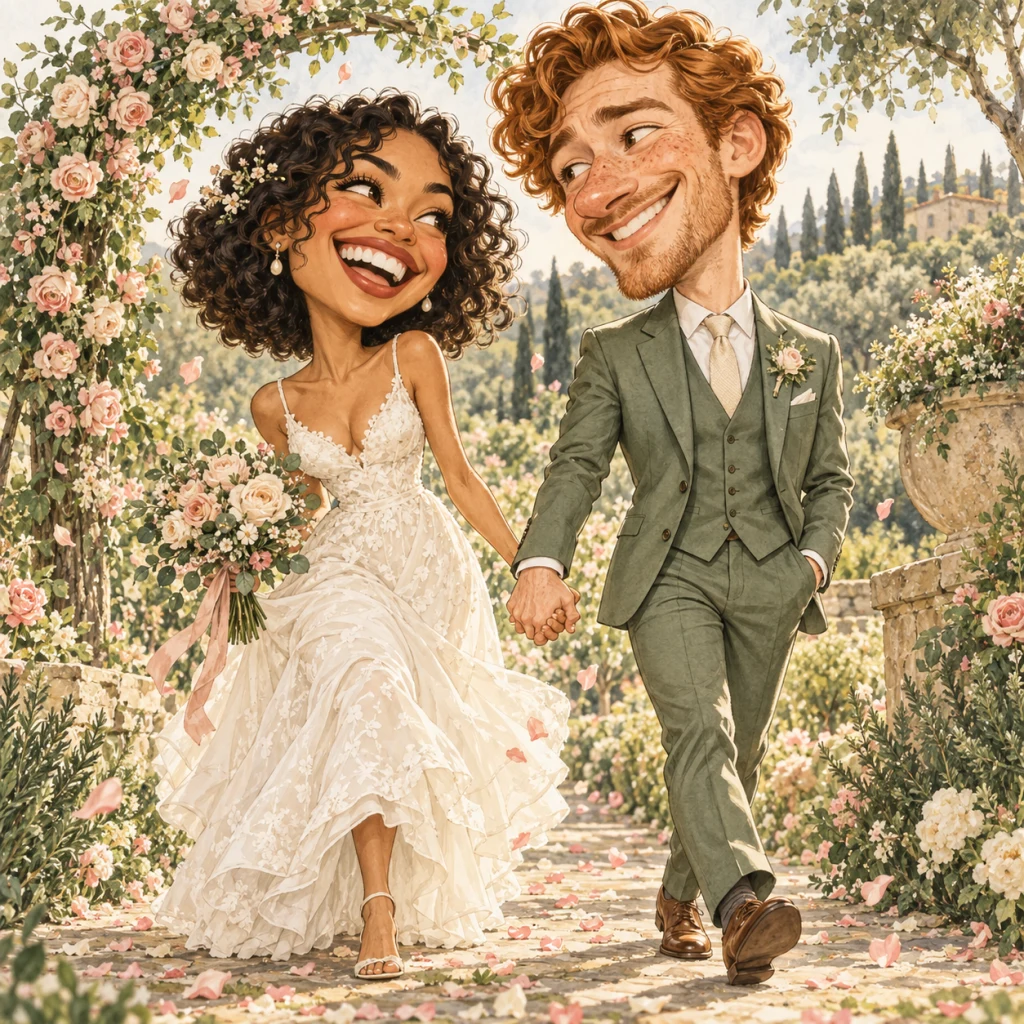
Standard · a little character for every idea
Unlock Pro with any credit packChecking availability…
hello,Wedding Day · Romantic illustrated celebration
Two complete wedding presets.
The details are yours to personalize.
A close-together pose for a couple keepsake or invitation illustration. Start with Wedding Day.
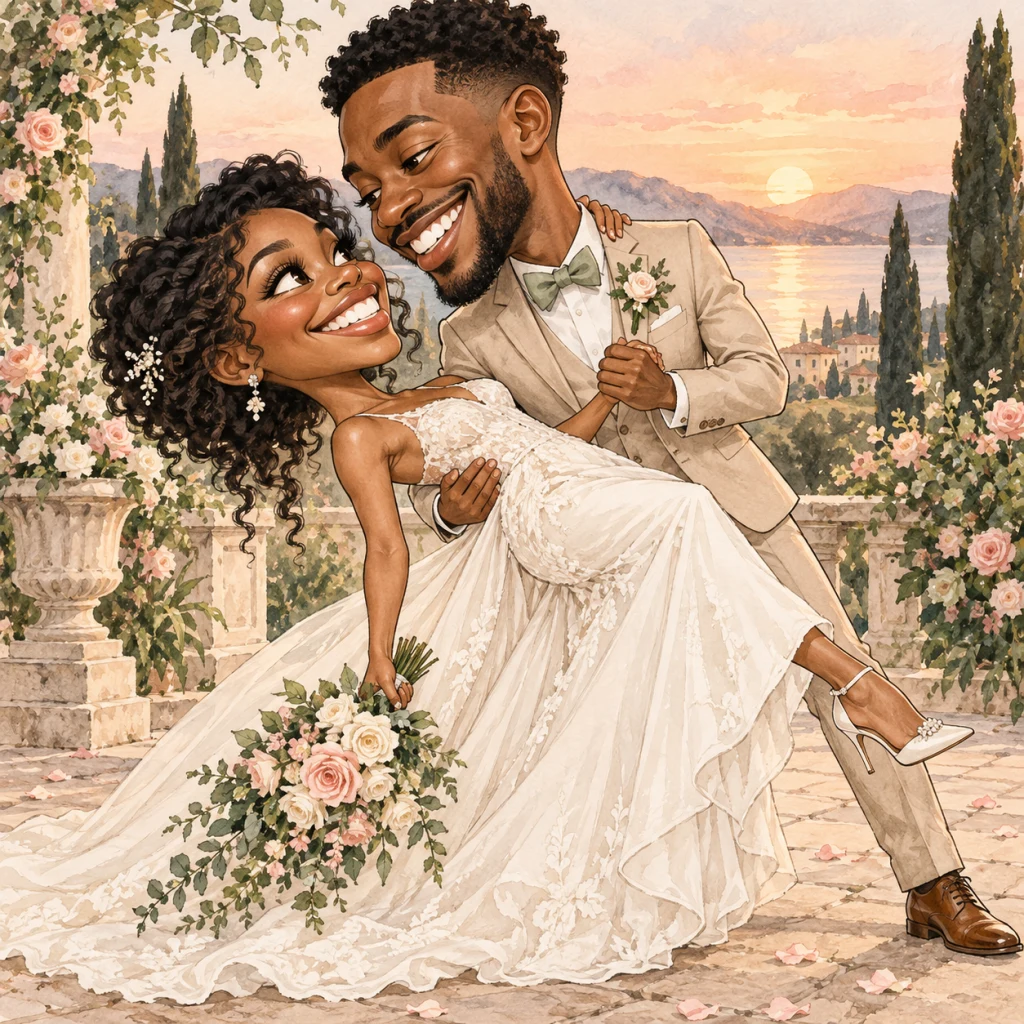
A sweeping pose with a little extra personality. Choose Wedding Dip and a clear photo of two people.
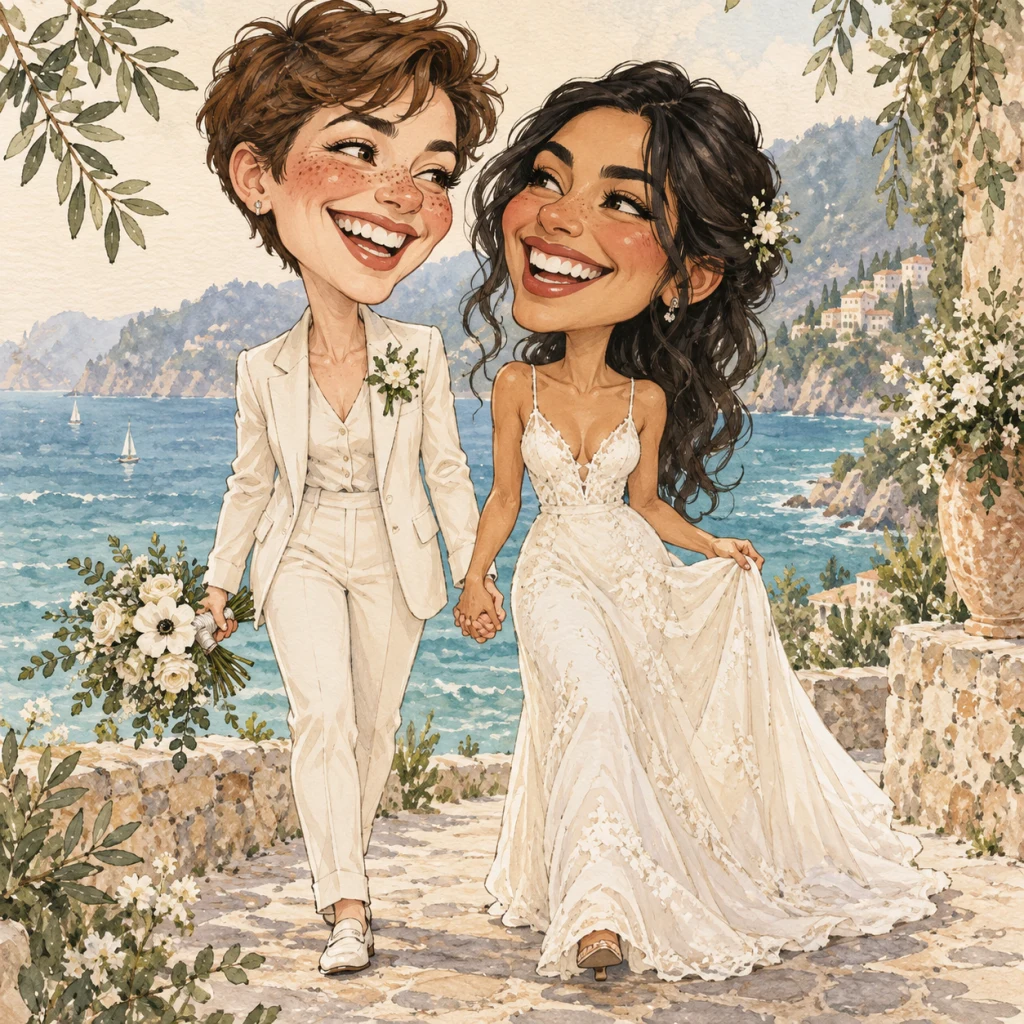
A beach ceremony, garden party or city celebration. Add the setting and outfit details to your custom prompt.
Illustrative examples, not customer results. Your photo and details shape the final image.
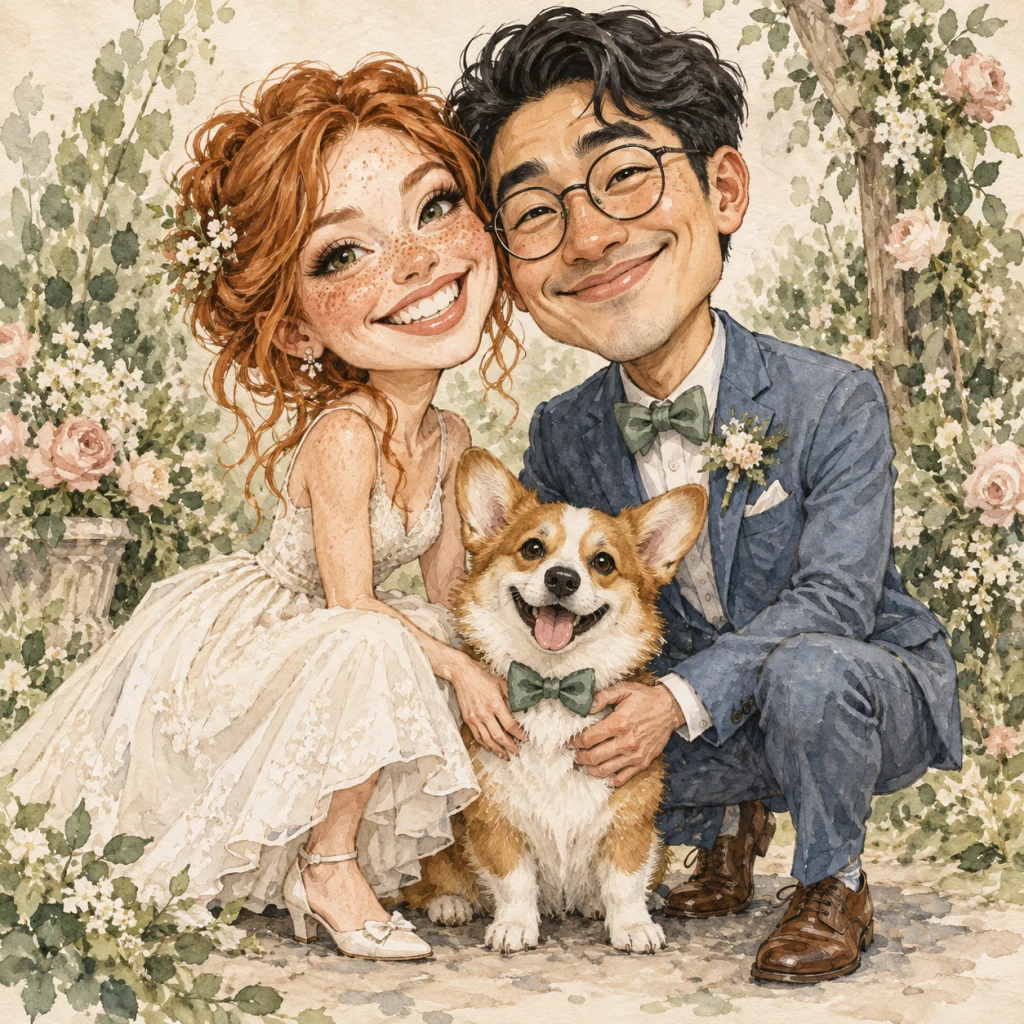
Tell us the details that make the day yours. Describe a favorite color, a bouquet or a meaningful place. If your photo includes a pet, Wedding Day can keep them in the celebration too.
“Give us a sage-and-ivory wedding palette, a blush bouquet, and our corgi a matching bow tie.”
Include everyone you want illustrated in the single reference photo. Add exact names and dates in your own design editor after downloading.
Upload one well-lit photo with both faces visible. For a dance dip, use a waist-up or full-body view.
Start with Wedding Day or switch to Wedding Dip. Add clothing, flowers and setting details if you like.
Save the image for a keepsake or add it to your invitation layout. Check dimensions before printing.
Try it free, then make creativity a monthly habit or pick up credits whenever inspiration strikes.
Fresh credits every month. Cancel renewal anytime.
A little creativity, every month.
More room to explore your style.
For your next wave of creative ideas.
Checking purchase availability…
Standard = 1 credit / image. Pro = 5 paid credits / image. Mix both within your balance.
Subscription credits expire at the end of each billing period. Credit packs never expire.
It is free to try: new accounts receive one-time free credits when signing up with Google. Use them for Standard creations; no credit card is required. Pro uses paid credits. You can buy credits or subscribe when you need more.
Use one clear photo with both of you visible and good light on your faces. A waist-up or full-body photo works best for Wedding Dip. Avoid sunglasses, covered faces and very distant subjects.
The studio currently accepts one reference image per creation. Choose a photo of you together. Each file must be JPG, PNG or WebP and smaller than 8 MB.
The AI is guided to keep each person’s distinct features while exaggerating them into a caricature. Likeness and fine details can vary. Start with a clear photo and review both faces before using the result.
Yes. Use the optional custom prompt for details such as a sage suit, a blush bouquet or a beach setting. You can describe either partner’s outfit. For pets or family members, use a reference photo that already includes them.
Download the artwork and add it to your invitation or save-the-date layout. Add names, dates and other exact text in your design editor. This tool creates the illustration; it does not create editable stationery, manage RSVPs or print invitations.
Check the downloaded image’s pixel dimensions against your printer’s requirements before ordering. Large-format print quality depends on the image and print size; we do not promise a print-ready file for every size.
These wedding illustrations were created to demonstrate creative directions. They are not customer photos or verified before-and-after results. Your output will depend on your reference photo, chosen preset and details.